The photo makes the painting.
We keep your pet's eyes, markings, and proportions; only the paint changes. So the better the photo, the better the portrait. Three things matter.
Good photos, and ones to avoid.
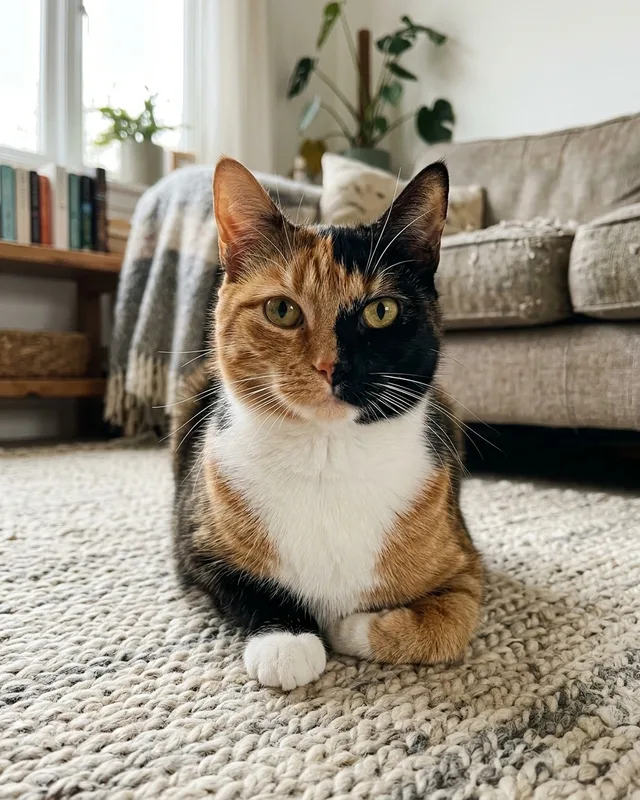
Good example: Face and markings in view 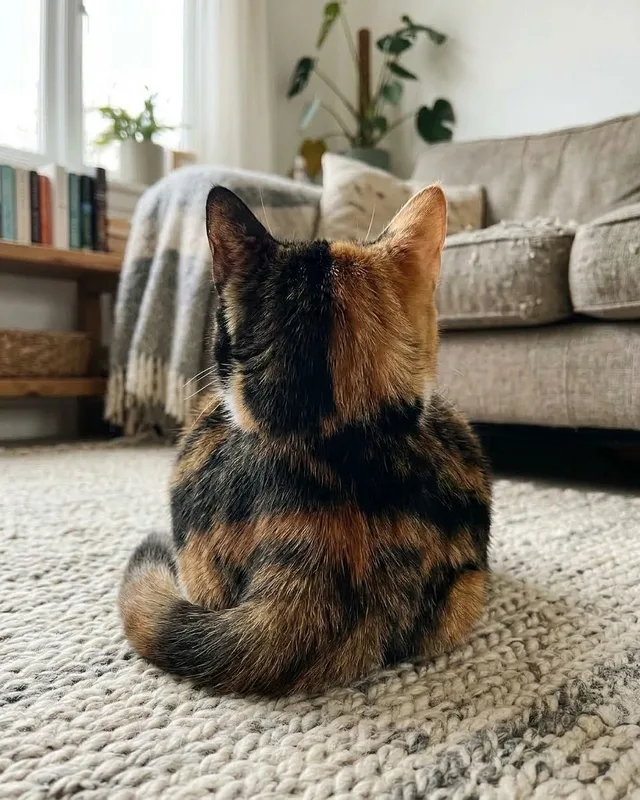
Avoid: Markings hidden 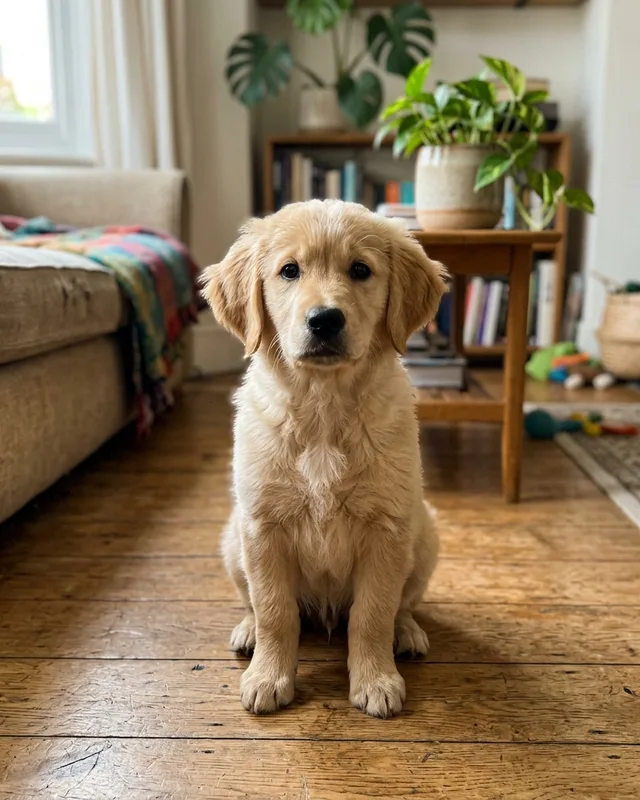
Good example: Daylight, in focus 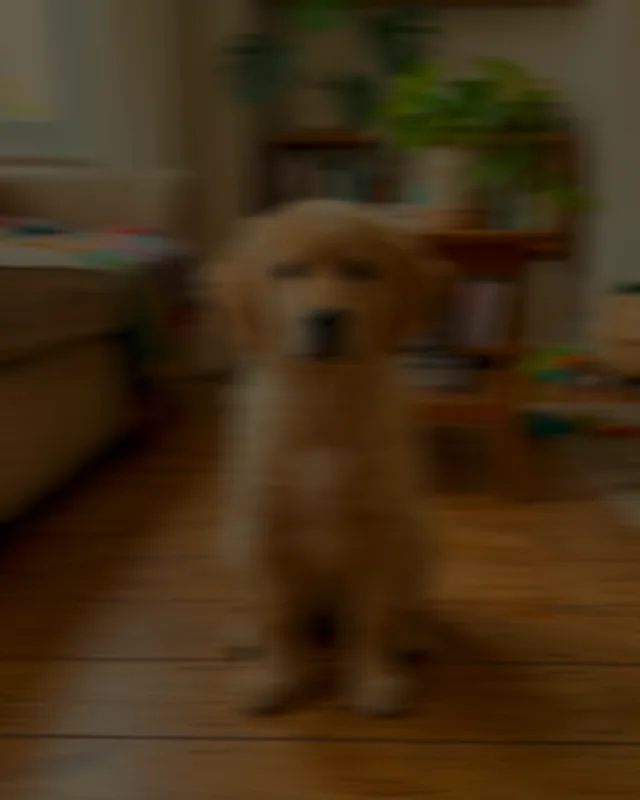
Avoid: Dark or blurred 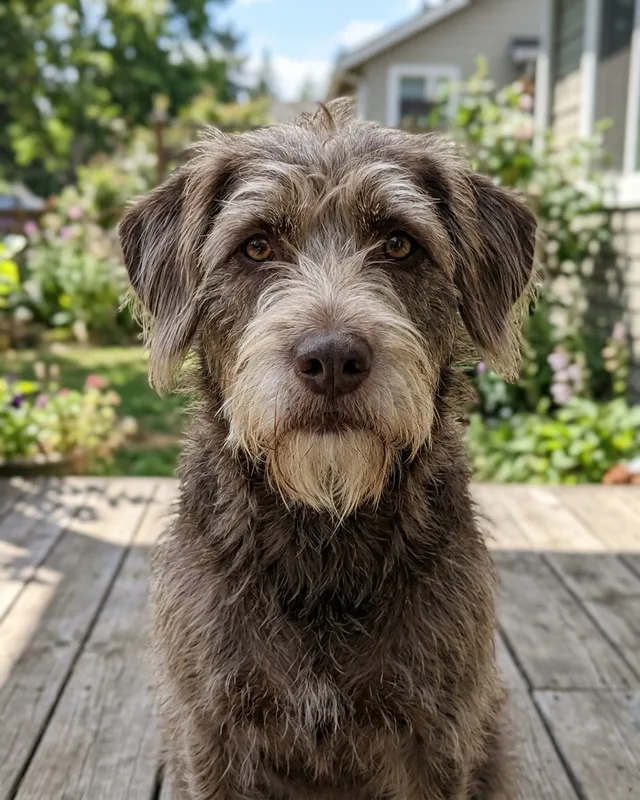
Good example: Fills the frame 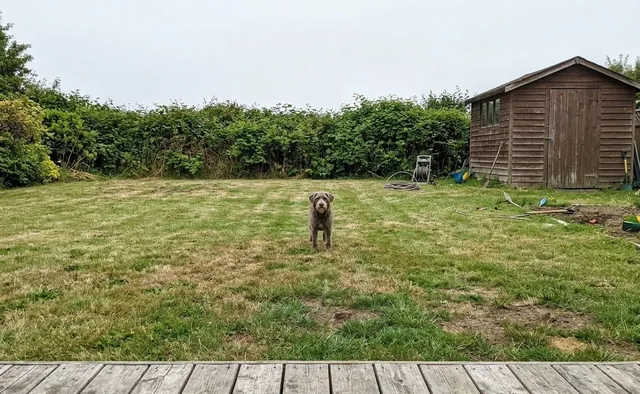
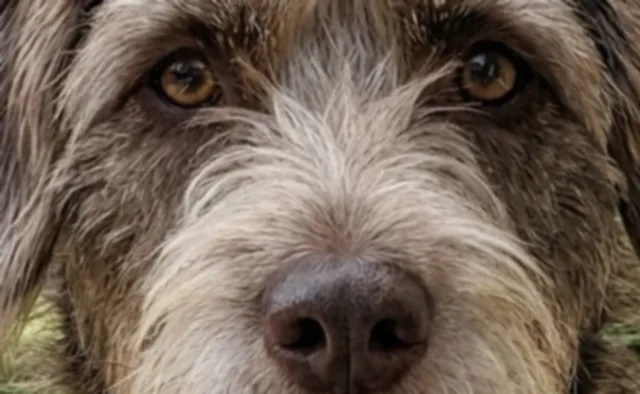
Avoid: Too far, or too close
Three things that matter.
Phone photos are perfect. Nothing here needs a camera.
Daylight, no flash
Near a window or outside in open shade. Flash flattens the fur and puts a green glow in the eyes; deep shadow hides the markings we paint from.
Overcast days are the best light there is.
The face in focus
Get down to your pet's eye level and tap the face on your screen to focus. Eyes sharp, the nose can be soft.
A treat held next to the lens gets the look you want.
The whole head in the frame
Ears, chin, and a little room around them. We crop to the portrait, so leave us space rather than cropping tight yourself.
Straight on or a three-quarter turn both work.
What to leave out.
We turn down a photo we cannot make sense of, and we tell you why. These are the usual reasons.
- Filters and costumes
- Hats, glasses, and app filters end up in the painting. Send the plain photo and let the style do the dressing up.
- People and other things
- Keep hands, laps, and everything else out of the frame. Any number of pets is fine; see the style's page for one-pet portraits.
- Screenshots and tiny files
- Send the original from your camera roll, not a screenshot or a photo forwarded through chat, which shrinks it. JPEG, PNG, or HEIC up to 25 MB.
Old and black and white photos.
A scan of a print works if the face is clear. Black and white photos work too; the FAQ says what to expect.